
In our fast-paced digital world, smartphones and tablets have become essential tools for communication, work, and entertainment. However, there’s nothing more frustrating than watching your battery percentage drop rapidly, especially when you need your device the most. Fortunately, there are several effective strategies to help you extend your mobile device’s battery life. Here are some tips to keep your device running longer between charges.
Optimize Screen Brightness
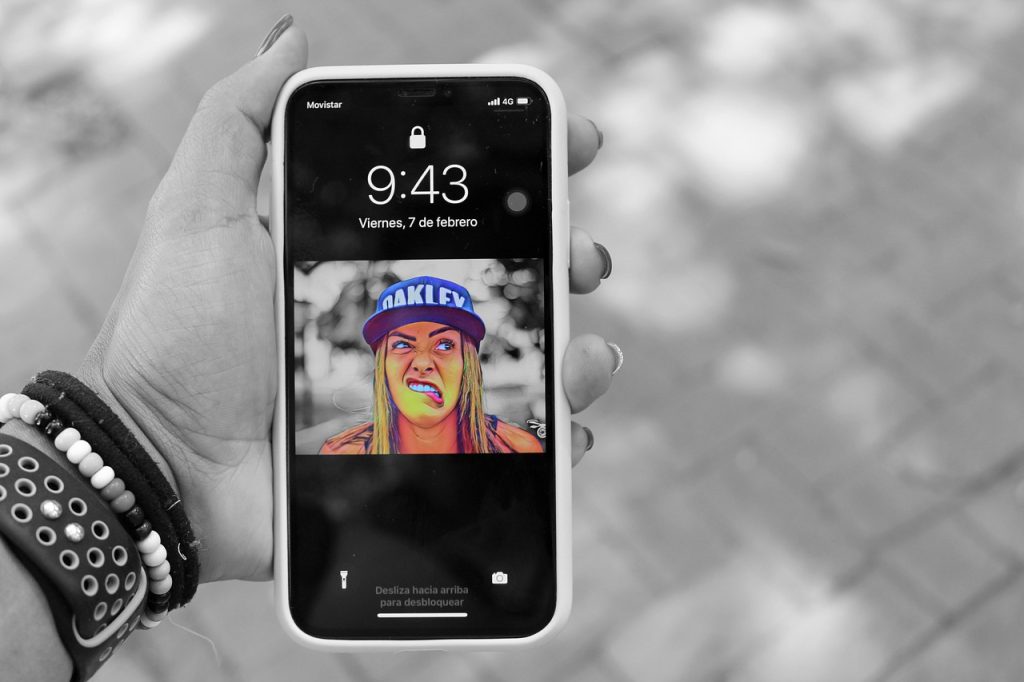
One of the most significant factors affecting battery life is your screen brightness. Keeping your display at maximum brightness can drain your battery quickly. To optimize battery usage, consider lowering the brightness to a comfortable level. Most devices also offer an adaptive brightness feature that automatically adjusts the screen brightness based on ambient lighting. This not only conserves battery but also reduces eye strain.
Limit Background App Activity
Many apps continue to run in the background, consuming power even when you’re not actively using them. To improve battery life, review your app settings and restrict background activity. On most devices, you can navigate to the settings menu to manage which apps are allowed to refresh or run in the background. Disabling these features for non-essential apps can significantly reduce battery drain.
Most modern smartphones and tablets come equipped with a battery saver mode, which can be a lifesaver when your battery is running low. Activating this mode limits background processes, reduces performance, and turns off non-essential features to extend battery life. Make it a habit to enable battery saver mode during times when you know you won’t be able to charge your device soon.
Manage Location Services
GPS and location services are useful features, but they can also consume a significant amount of battery life. To extend your device’s battery, consider turning off location services for apps that don’t require it. You can choose to enable location services only when using specific apps or switch to a battery-saving mode that uses less power. This simple adjustment can make a noticeable difference in battery longevity.
Keeping your apps and operating system updated is essential not just for security, but also for optimizing battery performance. Developers often release updates that enhance app efficiency and reduce battery consumption. Regularly check for updates in your app store and your device’s settings to ensure you’re running the latest versions.
Disable Unused Features
Many smartphones come loaded with features you may not use regularly, such as Bluetooth, Wi-Fi, and NFC. Keeping these features turned on can lead to unnecessary battery drain. Disable any features you’re not using, and remember to turn off Wi-Fi when you’re not connected to a network. This small change can help preserve your battery life throughout the day.
Most devices have built-in battery usage monitors that show you which apps and features consume the most power. Regularly checking this information can help you identify battery hogs. Once you know which apps are draining your battery, you can make informed decisions about how to manage them, whether it’s uninstalling, limiting usage, or adjusting settings.
Charge Wisely

How you charge your device can also impact battery health over time. Avoid letting your battery drain to 0% frequently, as this can shorten its lifespan. Instead, aim to keep your battery charged between 20% and 80% for optimal performance. Additionally, using a charger that matches your device’s specifications is crucial. Overusing fast charging or using third-party chargers can also negatively affect battery health in the long run.
Extending your mobile device’s battery life doesn’t have to be a daunting task. By implementing these practical tips—optimizing screen brightness, managing background activity, using battery saver mode, and more—you can significantly improve your battery longevity.
With a little effort and attention to your device’s settings, you can enjoy longer usage between charges, ensuring that your mobile device is ready to keep up with your busy lifestyle.
Leave a Reply