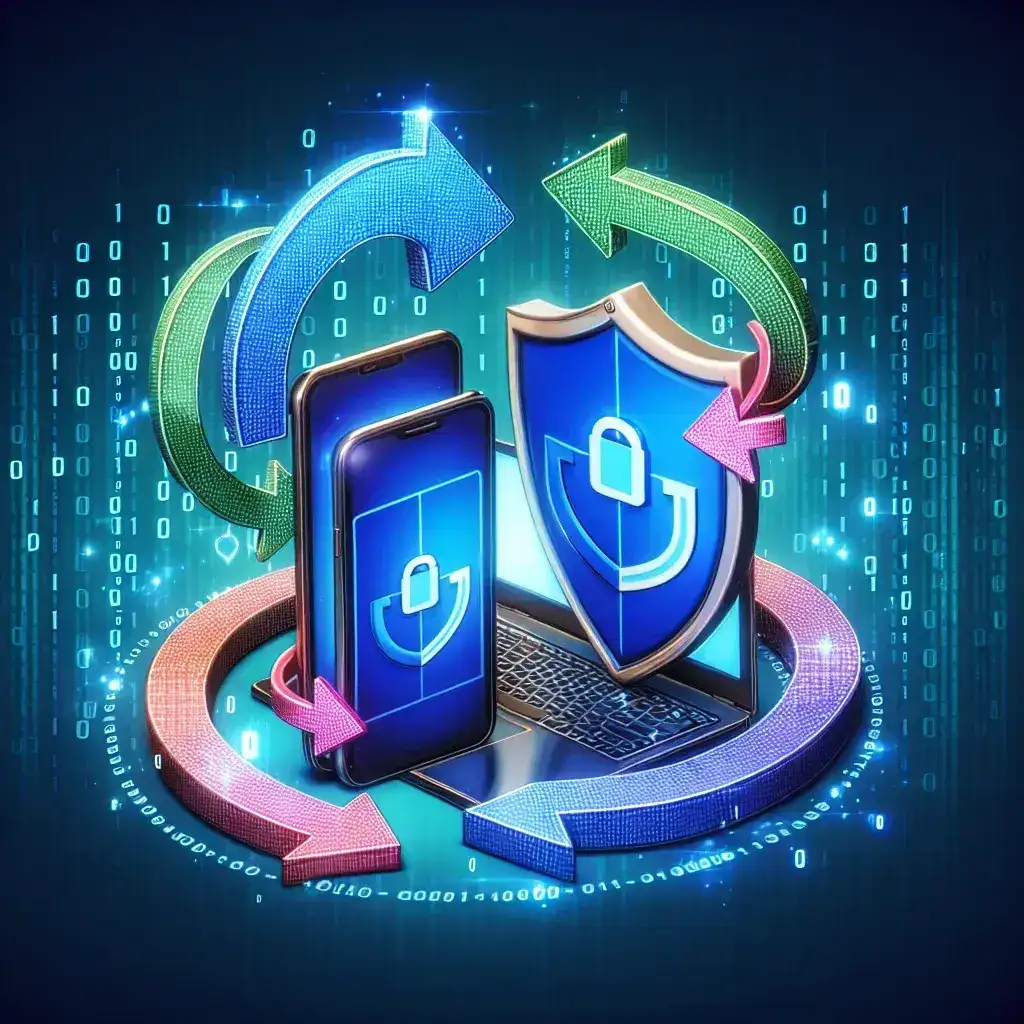
Understanding the Importance of Software Updates
In today’s digital age, where cyber threats are evolving at an unprecedented rate, maintaining the security of your devices is more crucial than ever. Software updates play a pivotal role in safeguarding your devices against vulnerabilities that could be exploited by malicious actors. But how often should you update your software for security? This article will delve into the significance of regular updates, the risks of neglecting them, and best practices for ensuring your devices remain secure.
The Risks of Outdated Software
Outdated software can be a ticking time bomb. Here are some of the key risks associated with not updating your device software:
- Security Vulnerabilities: Older software often contains flaws that can be exploited by hackers. These vulnerabilities are constantly being discovered, which is why developers release patches.
- Compatibility Issues: Software that isn’t regularly updated may not work with newer applications or devices, leading to performance issues.
- Loss of Features: New software versions typically come with new features. By not updating, you may miss out on enhancements that could improve your user experience.
- Compliance Risks: Many industries have regulations that require regular software updates to ensure data security. Failing to comply can lead to legal repercussions.
How Often Should You Update Your Device Software?
The frequency of software updates can vary depending on the type of device and the nature of the software. Here’s a breakdown:
1. Operating Systems
For operating systems like Windows, macOS, or Linux, updates should be installed as soon as they are available. Major updates typically occur every six months, but security patches can happen much more frequently. Set your device to automatically download and install updates to minimize risks.
2. Mobile Devices
Mobile operating systems such as iOS and Android also release regular updates. It is advisable to check for updates at least once a month. Mobile applications should be updated as soon as new versions are released to protect against vulnerabilities.
3. Applications
Applications can have varying update schedules. Most applications will notify you when updates are available. It’s best practice to enable automatic updates or check for updates weekly to ensure you are using the latest secure versions.
4. Antivirus Software
Antivirus programs require frequent updates. Security definitions should be updated daily, if not multiple times a day, to ensure protection against the latest threats.
Best Practices for Keeping Software Updated
Here are some effective strategies for ensuring your software stays up to date:
- Enable Automatic Updates: Most devices and applications offer an option to enable automatic updates. This feature allows you to stay updated without having to remember to check manually.
- Regularly Check for Updates: For devices or software that do not support automatic updates, make it a habit to check for updates periodically.
- Subscribe to Notifications: Many software vendors provide notifications or newsletters about new updates. Subscribe to these to stay informed.
- Use Trusted Software: Always download software from reputable sources to minimize the risk of downloading malicious software that can compromise your security.
Historical Context: The Evolution of Software Updates
The practice of updating software has evolved significantly. In the early days of computing, software updates were infrequent and often required physical media to install. As the internet became more widespread, the ability to download updates over the air transformed the landscape. Today, software updates are often viewed as an essential part of maintaining device security, with tech giants investing in resources to ensure their users are protected.
The Future of Software Updates
Looking ahead, the future of software updates may see even more advancements. With the rise of artificial intelligence, we may witness more sophisticated methods of identifying vulnerabilities and deploying updates. Additionally, as the Internet of Things (IoT) expands, the need for efficient and secure updating processes will become increasingly essential.
Conclusion
Updating your device software is not just a matter of convenience; it is a crucial component of cybersecurity. By understanding the risks of outdated software and establishing a routine for regular updates, you can significantly enhance your device’s security posture. Remember, in a world where new threats emerge daily, staying informed and proactive is your best defense.
Expert Quotes
As cybersecurity expert Jane Doe states, “Regular updates are the first line of defense against cyberattacks. Ignoring them is like leaving your front door unlocked in a high-crime neighborhood.”
Leave a Reply